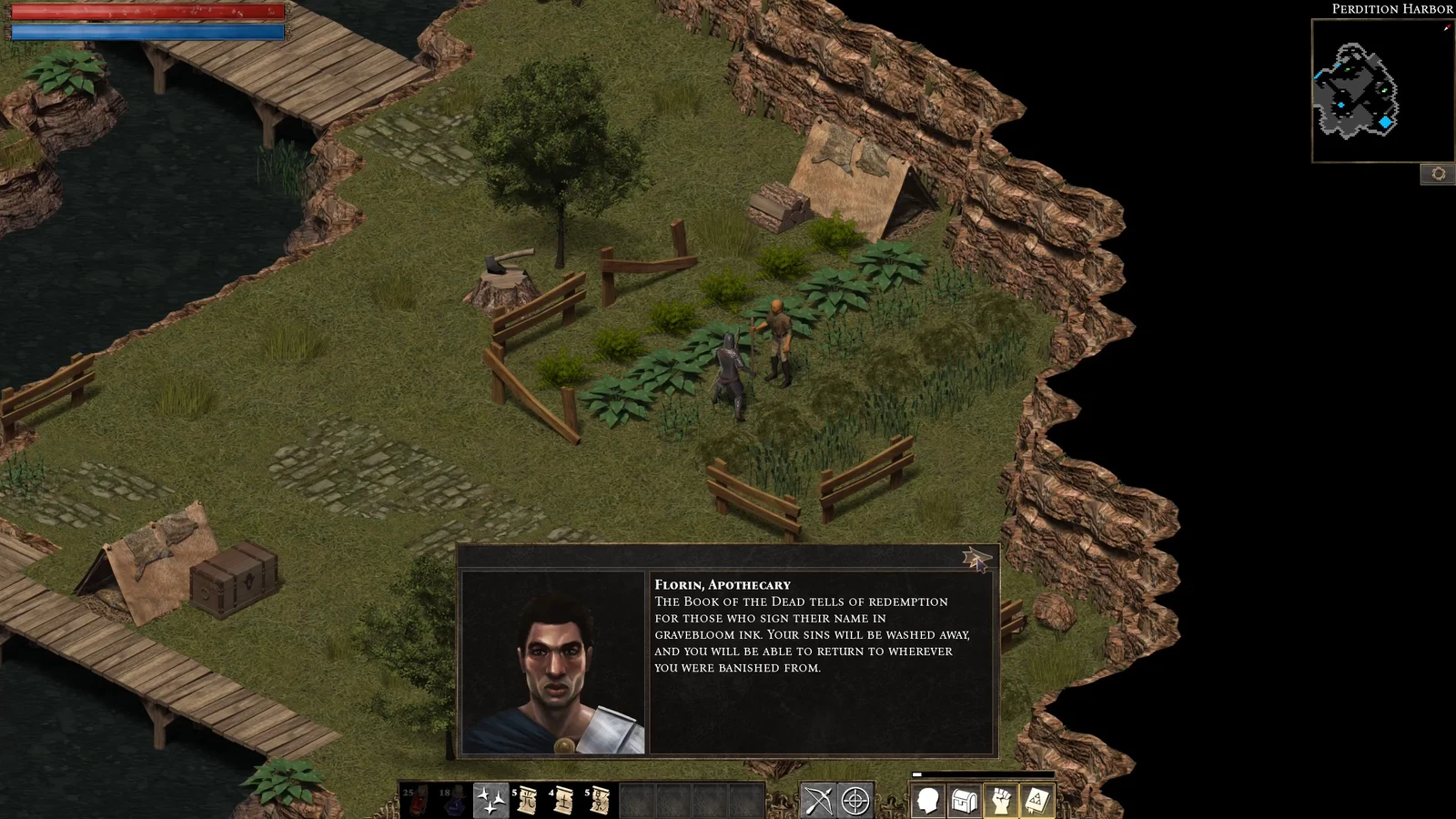
A screenshot can show exactly why you love a game and exactly what a friend hoped to discover for themselves. Console sharing tools should help you separate those two things before you send the image. The useful improvement would be a quick preview with clear ways to conceal sensitive details, not a system that promises to identify every spoiler for you.
This is a design argument, not a report of a newly announced feature. The goal is straightforward: let you keep the original capture while preparing a separate version for a particular audience. A picture intended for somebody who has finished the story deserves different treatment from one sent to a friend still deciding whether to buy the game.
Keep the original, review the copy
Consider a hypothetical screenshot of a beautiful mountain view. The scenery is what you want to share, but a quest title in the corner names a character's fate. Cropping the image might solve that problem. It might also remove the composition you were trying to show. An opaque cover over the quest panel would give you another option without requiring you to retake the picture.
A useful sharing screen should offer a small set of understandable actions: crop, cover a selected area, and add a spoiler warning. Each action should work on a sharing copy by default. Keeping the original matters because the version suitable for your group chat may not be the version you want in your own collection.
The preview should display the actual outgoing picture, including its caption. That last check is important to the proposal: hiding a quest name in the image achieves little if you type the same revelation underneath it. The tool should make reviewing both together easy, without pretending it understands the story better than you do.
Warnings and concealment serve different purposes. A warning gives the recipient a choice only if the destination keeps the image hidden until they open it. If a thumbnail reveals the scene immediately, the warning has arrived too late. Covering a detail lets them enjoy the rest of the picture. Neither should be presented as a guarantee that the image is safe for everybody. A location, costume or companion could itself be the thing another player wants to discover.
Don't make a spoiler detector the gatekeeper
There is an appealing version of this idea in which a game marks every sensitive object and the console hides it automatically. I would treat that as optional assistance, if a developer chose to supply it, rather than the foundation of the feature. The basic controls should remain useful without any developer annotations at all.
The alternative creates awkward questions. Whose progress defines a spoiler? What if the recipient knows the plot but wants to discover equipment independently? What if the joke only works because a supposedly important detail is visible? A universal label cannot settle those preferences. The person sharing needs the final decision.
There's also a cost to making every capture feel like paperwork. A mandatory checklist before every picture would be too much for somebody sharing a score screen or a funny physics mishap. Put the editing controls within reach, remember whether the user wants a preview, and allow a deliberate direct-share choice. Helpful friction should match the person's intention rather than punish everybody equally.
I would also avoid automatically exposing a recipient's progress to the sender. This design doesn't need to know where somebody stopped playing. A simple conversation about what they're comfortable seeing is a better starting point than turning a sharing feature into a record of their play habits.
For players, the practical version of that review can be simple. First decide who the image is for. Then check the background, interface and caption separately, rather than looking only at the subject in the middle. If the scene itself reveals too much, choose a different picture; covering a corner cannot fix that. If you're uncertain, ask before sending instead of assuming a warning will be enough.
The point of this proposal is to make generosity easier. You should be able to share your excitement without making a friend choose between ignoring you and seeing more than they wanted. Keep an untouched capture for yourself, prepare the smallest edit your audience needs, and let the final preview show precisely what you're about to send.