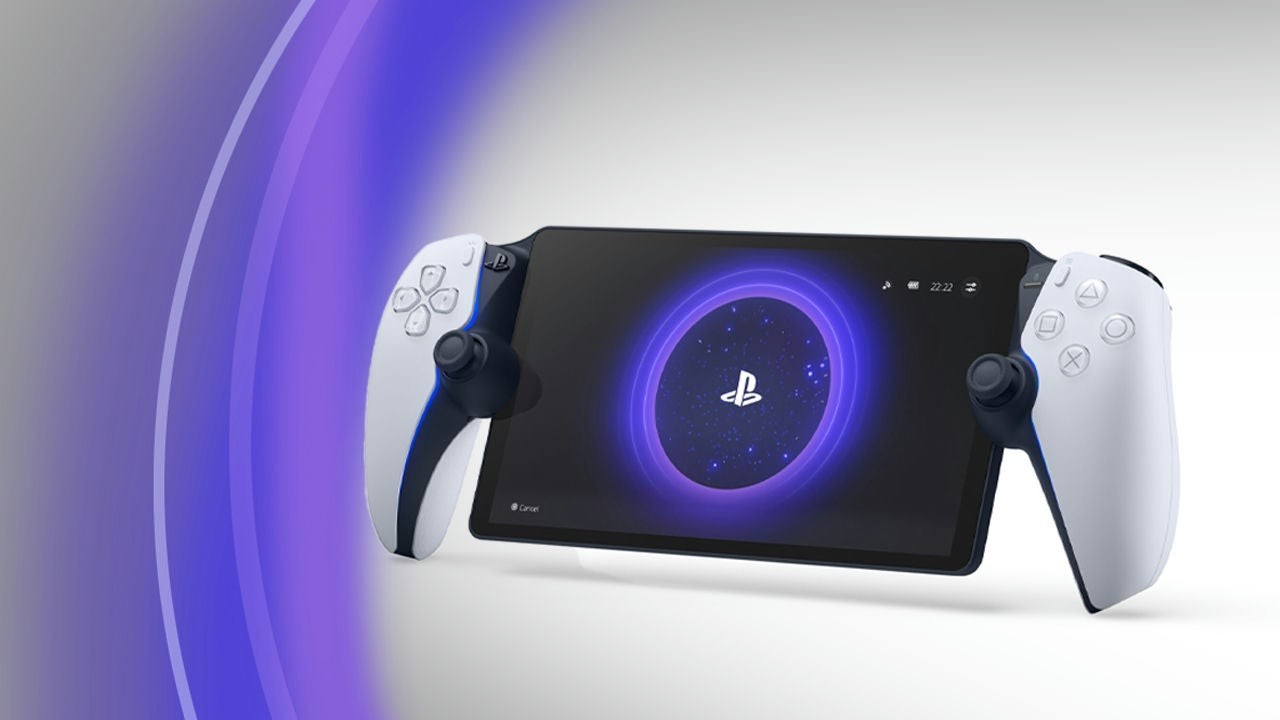
Sony just made the PlayStation Portal behave more like a modern phone than a always-fill-the-tank gadget. System software update 7.1.7, rolling out September 24, changes how the remote player charges so the battery spends less time sitting at a full 100 percent.
After the update installs, the Portal charges to 80% by default. Sony’s notes frame the change as a long-term health decision: lithium cells age faster when they live at the top of the charge curve, and a handheld that often rests on a nightstand dock is exactly the device that benefits from a calmer ceiling. You can still raise the limit whenever you want under Settings > System > Battery, but the company warns that pushing past 80% may trade away battery longevity and stability over time.
What else lands in 7.1.7

The battery default is the headline, not the only line item. Sony also asks Portal owners to keep their PlayStation Link accessories on the latest device software—especially if you use earbuds with the handheld—by connecting the Link USB adapter to a PS5 or PC. Broader stability and on-screen messaging polish round out the notes, the usual quiet firmware hygiene that only becomes visible when something stops glitching.
Parallel updates for the Pulse Elite headset and PlayStation Link software are part of the same maintenance wave, according to reporting on today’s patch. The Portal change is still the one most players will notice first, because the charge percentage on the status bar will stop climbing to a familiar full tank unless you opt out.
Why the default matters more than the toggle
Optional battery limits only help people who dig through menus. Making 80% the default flips the burden: travelers who need maximum runtime for a long flight can raise the ceiling for a day, while everyday couch streaming keeps the cell in a gentler band without thinking about it. That is the same design instinct behind recent mid-gen console firmware that turns advanced image features on by default—Sony would rather ship the healthier behavior and let power users reverse it.
If your Portal is online, expect the update to arrive through the usual system software channel. After it lands, glance at Battery settings once so you know whether you are living with the new 80% ceiling or deliberately choosing a fuller charge for travel days.
Owners who leave the Portal on a charger between sessions will feel the change most. A device that previously topped off overnight will now coast near the new ceiling unless you raise it, which is exactly the habit-forming behavior Sony appears to want for a remote player entering its third year of daily use. Check the Battery menu after the update so you are not surprised mid-session when the percentage refuses to climb past eighty.
Source: PlayStation Lifestyle