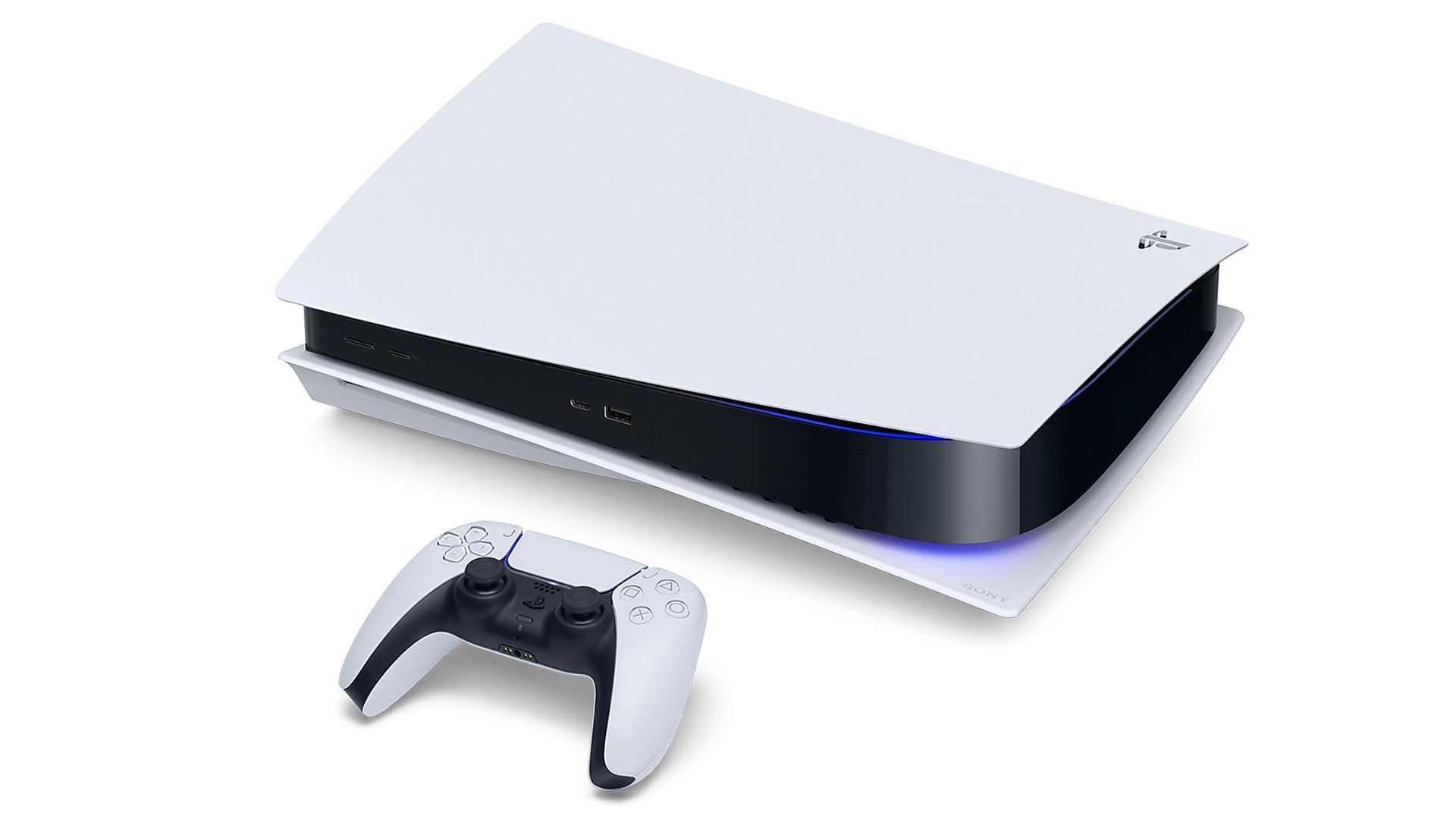
Sony is pushing PlayStation 5 system software 26.06-14.10.00 in phases, with coverage from Push Square, TalkEsport, and a October 3 GameRant write-up all quoting the same two-line patch notes. There are no new menus in this build. Sony says it made security fixes to the system software and improved performance and stability. Consoles that do not see the prompt immediately are expected to get it within about a day of the wave that reaches them.
That quiet wording matters because October already mixed two different kinds of PS5 change. Quick Spectral Super Resolution — the base-PS5 AI upscaler that went live in Marvel’s Wolverine and Ghost of Yōtei on October 1 — is a game-level library, not a checkbox inside this firmware. If you are hunting for a system toggle labeled QSSR after 14.10.00 installs, you will not find one. Supported titles expose the option inside their own graphics menus after their game patches.
14.00 vs 14.10: what changed two weeks apart
| Version | Approx. window | What Sony listed | Owner takeaway |
|---|---|---|---|
| 26.06-14.00.00 | September 16–17, 2026 | Welcome Hub community activity (Trending Now / Top 10), voice-chat speaker display, Enhance PSSR Image Quality on by default for PS5 Pro, new Turn Off Bluetooth option | Feature firmware |
| 26.06-14.10.00 | October 1–3, 2026 (phased) | Security fixes; system software performance and stability | Maintenance firmware |
Community posts often assume any security-line firmware is aimed at jailbreak work. Sony has not said what the security fixes cover, so treat that link as speculation unless an official advisory appears. The practical advice does not change either way: install the update when your console offers it, especially before you rely on PlayStation Network features that can require current system software.
How to install 26.06-14.10.00
| Method | Steps | When to use it |
|---|---|---|
| Automatic / rest mode | Leave automatic updates on; the console can download in rest mode and install on next boot | Default path for most owners |
| Manual check | Settings → System → System Software → System Software Update and Settings → Update System Software | If you want to pull the wave early once it is available to your console |
| USB Safe Mode | FAT32/exFAT drive with PS5/UPDATE/PS5UPDATE.PUP from Sony’s system software page; boot Safe Mode and choose Update from USB Storage Device | If the network download fails repeatedly |
Do not power off the console while the install is running. If the prompt still has not appeared after a day, check again later or use the USB route rather than assuming your unit was skipped permanently. This is a small patch after a feature-heavy September build, and it is separate from the QSSR game patches already shipping on the titles that support them.
Sources: Push Square; TalkEsport; GameRant (Oct 3, 2026); September 14.00 feature context via Push Square / GameSpot; Sony PS5 system software support pages for install paths.