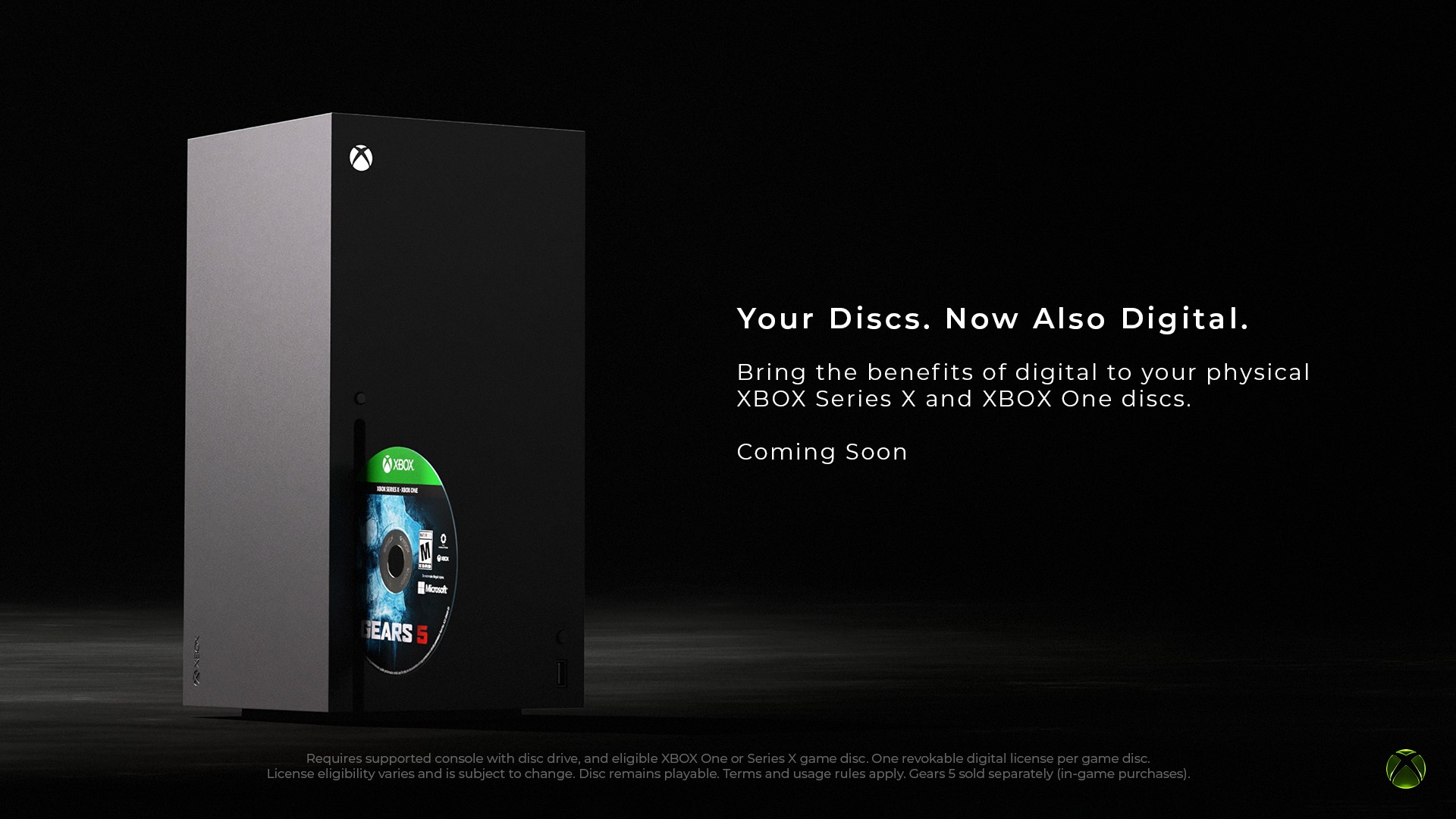
Xbox’s disc-to-digital program is no longer an Insider experiment. After Jason Ronald’s August 26 Xbox Wire post opened testing on August 31, Xbox began emailing players in late September that the feature was rolling out to everyone with a system update, a move confirmed in reporting from VGC, Game Informer, The Verge, and Windows Central. For owners sitting on shelves of Xbox One and Xbox Series X discs, the useful question is not the slogan. It is who can claim, what you actually receive, and what happens if that plastic leaves your house.
This guide stitches together the Xbox Wire announcement, Microsoft’s public support wording as quoted in subsequent coverage, and the community eligibility picture that has filled the gap where Xbox still has not published a master list. It is an owner map for a live program, not a rewrite of one launch-day blog post.
What disc-to-digital actually grants
On a console with an optical drive, you insert a supported Xbox One or Xbox Series X disc while signed in, launch or select the title, and claim a digital entitlement tied to that disc. Xbox Wire says most Xbox One and Xbox Series X disc games support the feature, that claiming unlocks digital benefits such as Xbox Play Anywhere and Xbox Cloud Gaming where the title already supports them, and that the physical disc continues to work afterward. There is no fee named in the announcement or in the support wording reported by outlets covering the public rollout.
| Owner situation | Can you claim? | What you get after a successful claim |
|---|---|---|
| Xbox Series X (disc) or Xbox One with drive | Yes, for supported One / Series X discs | Digital license on your account; play without the disc in the drive; Play Anywhere / Cloud where the game supports them |
| Xbox Series S only (no disc drive) | No claim on that console | Can play a claimed title on the same Microsoft account after someone claims it on a drive-equipped Xbox |
| All-digital Series X / digital-only library | Nothing new to claim | You already own digital; disc-to-digital does not convert friends’ discs onto your account |
| Original Xbox or Xbox 360 discs | Not supported | Those generations lack the disc identifiers Xbox uses for this program, per TheGamer’s summary of Xbox’s position |
Series S owners are the quiet winners of the design if they still have access to any disc Xbox. Claim on a Series X, Xbox One, or a friend’s drive-equipped console under your account, then install and play on the Series S without juggling plastic. That is the practical bridge Xbox’s all-digital SKU never had for physical collections.
How to claim without burning an evening

Xbox Support, as quoted by Digital Citizen after the public listing went live, describes two paths. Leaving disc autoplay on is enough for many titles: insert, confirm, done. If you are working through a stack, turn off “Play disc automatically,” highlight the box art, open the Menu button options, and choose Get digital license. Multi-disc sets should use disc one. Claimed games then appear in the full library with a disc-to-digital licensing badge.
| Step | Autoplay path | Manual stack path |
|---|---|---|
| 1 | Insert supported disc while signed in | Turn off Play disc automatically in settings |
| 2 | Launch when prompted | Highlight the game’s box art on the home/library surface |
| 3 | Confirm the digital license prompt | Menu button → Get digital license → confirm |
| 4 | Optional: remove disc and relaunch from library | Repeat for the next disc; use disc one on multi-disc sets |
The license catch Microsoft put in writing
The digital copy is not a second, free-floating Store purchase. Microsoft’s framing, repeated across Game Informer, Windows Central, and Digital Citizen, is that a disc-to-digital license is associated with the qualifying disc. If you lose, sell, give away, or otherwise no longer possess that disc, access may be limited or revoked. Inserting the same disc on another account and claiming there moves the entitlement. Xbox even surfaces a settings list for games you no longer have access to through disc-to-digital licensing, with recovery framed as reinserting and reclaiming or buying the digital SKU from the Microsoft Store.
That is the trade. You gain convenience, Series S play, and cloud or Play Anywhere where supported. You do not gain a clean way to sell the disc while keeping the digital install forever. Windows Central also reported Xbox clarifying that confusing “time out” language was about ownership changes, not a calendar deadline to claim before licenses expire.
Eligibility: thousands of titles, still no official master list
Xbox Wire said the program started with thousands of titles and that more would be added, while warning that not every disc qualifies because of technical, licensing, publishing, manufacturing, or other factors. Xbox has not published a complete public catalog. Community tracking on XCT.live filled that hole: VGC’s September 30 report put the database at roughly 1,860 listed titles, with about 1,578 confirmed working, 221 failing, 37 unconfirmed, and 24 dependent on which disc version you own. Ubisoft titles were absent at Insider launch and arrived about ten days later; VGC noted a further batch around general availability that community updates associated heavily with Sega catalogs, including recent Sonic and Like a Dragon / Persona entries.
Delisted storefront games are part of the preservation pitch. VGC and Windows Central both highlight examples such as Deadpool, Minecraft: Story Mode, Titanfall, F1 2021, and Rock Band 4, where a physical disc can still unlock a digital license after the Store page is gone. That is the strongest argument for working through a collection now, while drives and discs still match.
| Date (2026) | Milestone | Why owners care |
|---|---|---|
| Aug 26 | Xbox Wire announce (Jason Ronald) | Feature framed as preservation; Insider test set for Aug 31 |
| Aug 31 | Insider testing begins | First public claim flow and early eligibility gaps (e.g. Ubisoft) |
| ~Sep 10 | Ubisoft wave reported | Shows publisher support can land after launch |
| Sep 29–30 | General rollout + emails / system update | All players can claim; another title batch reported alongside GA |
| Early Oct | Sega-heavy community additions; XCT.live tracking | Practical checklist for shelves still grows without an official master list |
Owner verdict
| If you… | Do this | Watch for |
|---|---|---|
| Own One / Series X discs and a drive | Claim the games you still care about, especially delisted ones | Keep the discs if you want the digital licenses to stick |
| Main a Series S | Borrow a drive-equipped Xbox under your account and claim there | Storage on the Series S; installs still need download space |
| Plan to sell or trade discs soon | Treat digital claims as convenience, not a permanent second copy | Next owner can claim and pull the license off your account |
| Only have 360 or original Xbox discs | Skip; this program does not cover those generations | Official backward compatibility remains the separate path |
Disc-to-digital will not replace a Store purchase history, and it will not save every SKU on day one. For owners who already paid for plastic in the Xbox One and Series X years, it is still the clearest platform move of the season toward keeping that shelf usable on Series S, handhelds, and cloud where the games allow it. Work the stack while the discs are still in your hands.