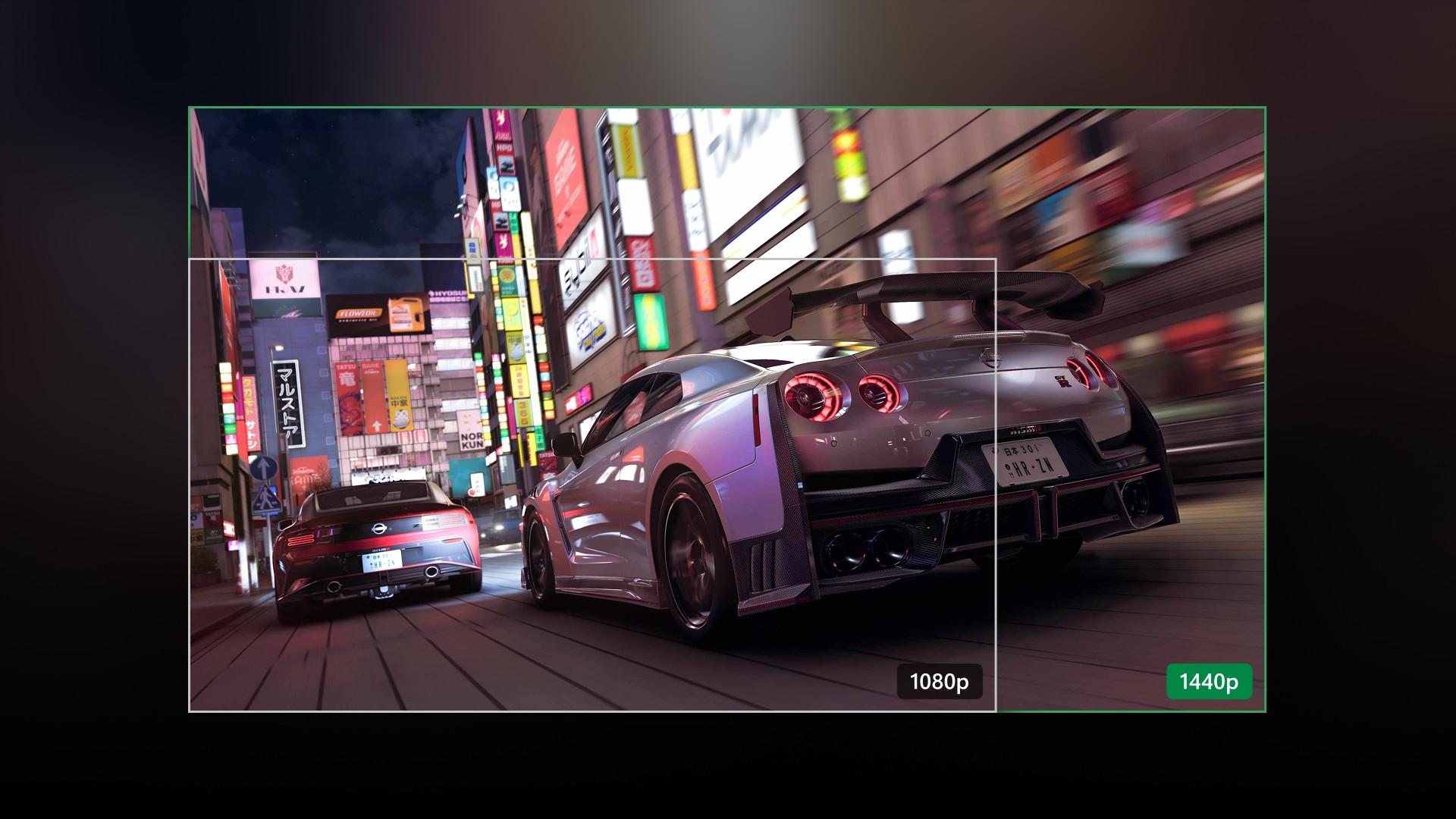
Xbox Insiders on the Beta ring are getting a dense Update Preview today, and the headline upgrades are aimed at people who play away from the living-room TV. Build 2610.260921-2200 packages higher-quality Remote Play streaming up to 1440p, the ability to keep downloads moving while you cloud game, and a long list of Home, achievements, captures, and profile quality-of-life changes that GamingBible and WinCentral both walked through this morning.
Microsoft first detailed several of these features on Xbox Wire on September 9 for Alpha and Alpha Skip-Ahead Insiders. The September 25 Beta ring build is the wider Insider preview of that same package before any retail rollout.
Who can use it now
This is still an Xbox Insider preview, not a public console update for every Series X|S owner. Anyone can join via the Xbox Insider Hub app, but the features below are being tested in rings and can change before they reach retail. Xbox Wire originally called out Alpha Skip-Ahead and Alpha for the 1440p Remote Play preview; GamingBible’s September 25 write-up lists the same feature set inside Beta Ring build 2610.260921-2200. There is no Microsoft date yet for when the full package leaves Insider.
Feature checklist
| Area | What’s new | Who benefits most |
|---|---|---|
| Remote Play | Higher-quality streaming up to 1440p with increased bitrates on supported devices (Series X|S) | Players streaming the console to PC, phone, or other screens |
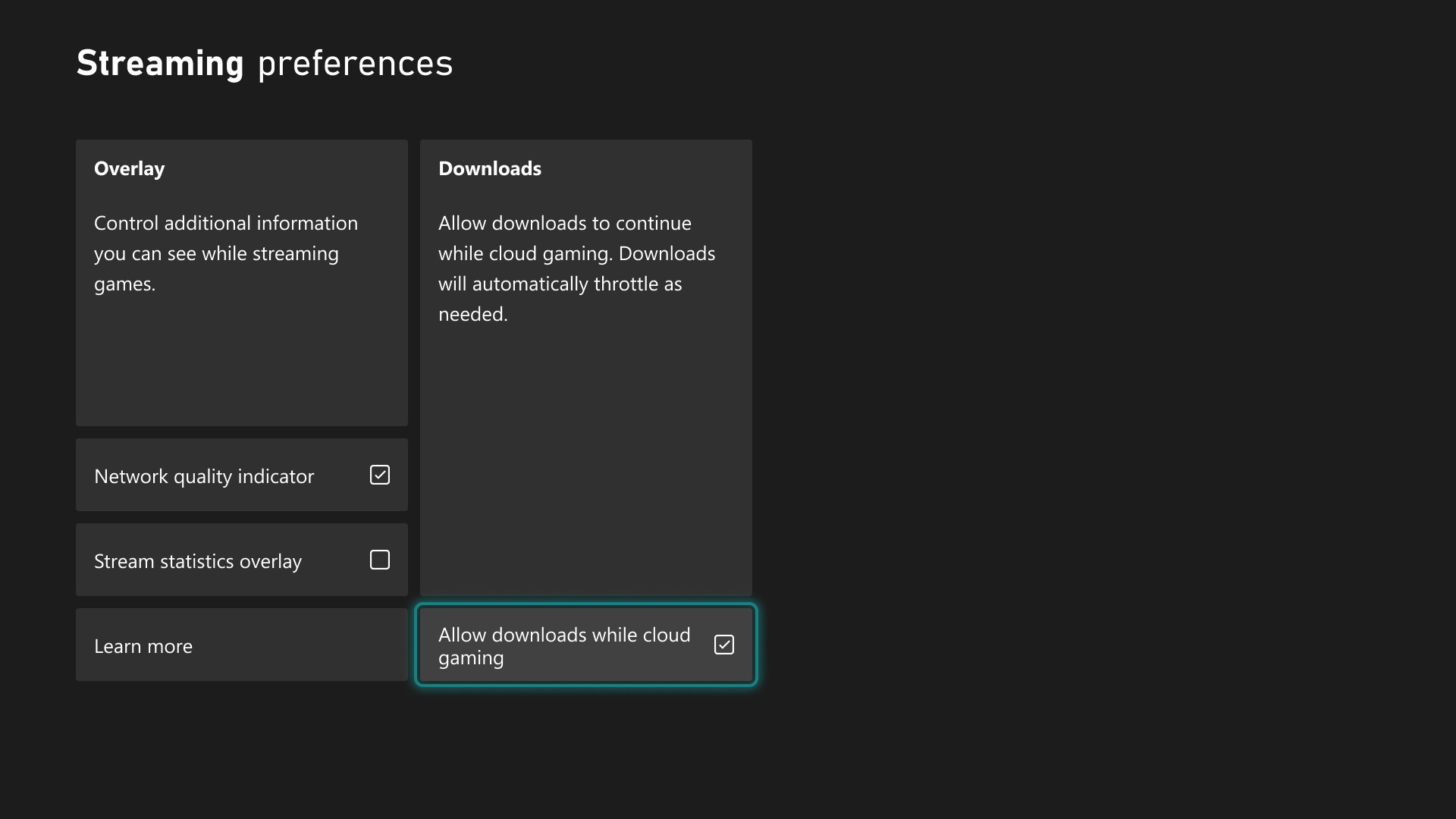
| Cloud Gaming | Downloads can continue in the background while you stream, when network conditions allow | Cloud players installing or updating locally without stopping play |
| Achievements | Sort by name, completion %, Gamerscore, unlock count; ascending/descending | Achievement hunters with large histories |
| Search | Local search for games and achievements in My games & apps, clubs, and profile history | Anyone with a deep library |
| Captures | Optional party (and game) chat audio in captures; each player opts in | Clip creators and party groups |
| Home | Remove items from Recent Games & Apps (including Play History); immersive background mode via right stick | Players who want a cleaner dashboard |
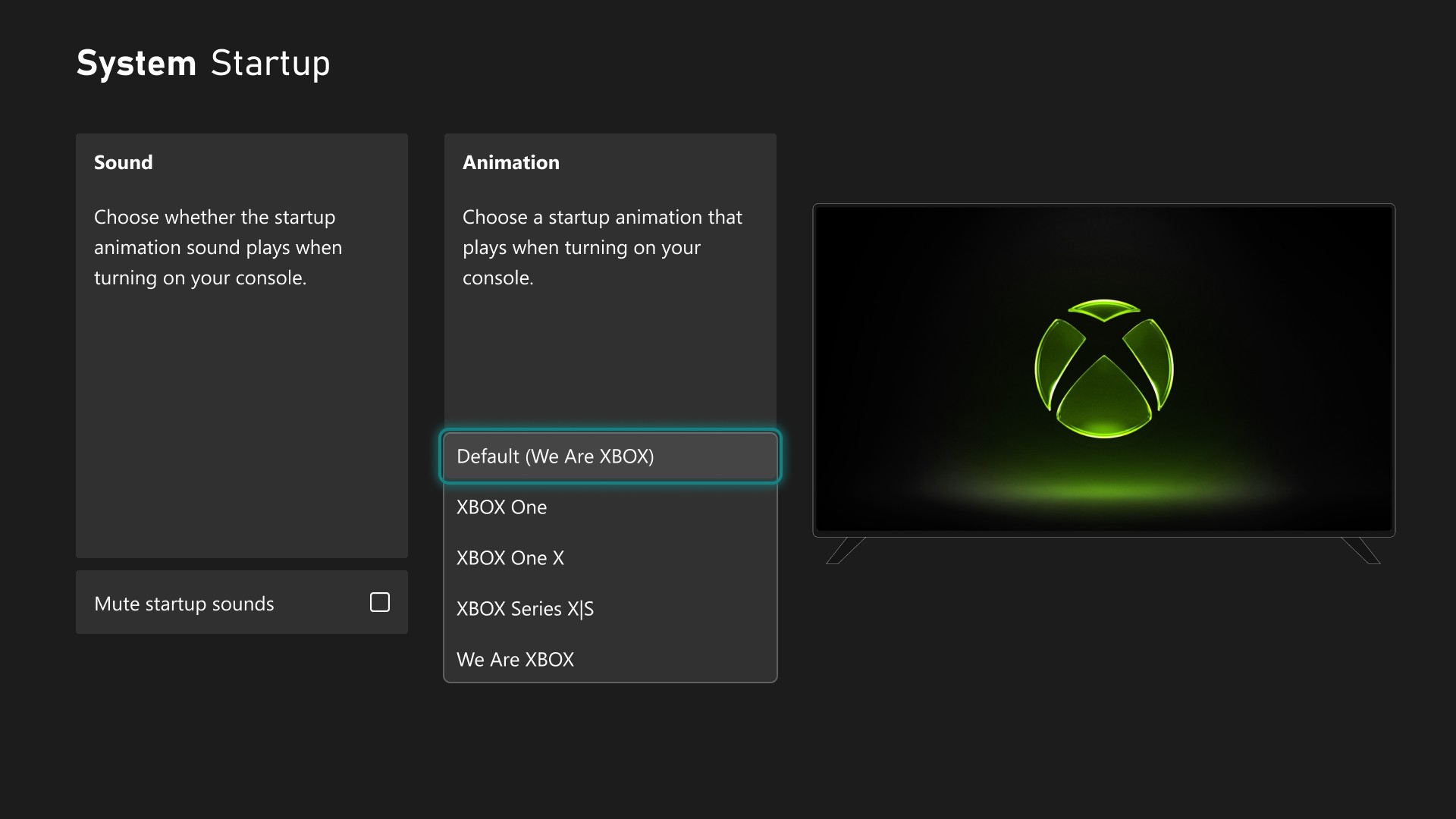
| Startup | Choose Xbox One–through–current startup animations; sound on/off under Settings > System > Startup | Personalization fans |
| Profile badges | Feature up to five badges; hide others; richer badge detail views | Profile customizers |
| Local saves | View, sort, and delete unused local save files to free storage | Consoles low on space |
| Party chat | Underlying reliability/security updates; Voice Clarity noise reduction also in the Insider package | Regular party players |
| Cloud library hygiene | Cloud-played games no longer auto-add to the Games section of My games & apps | Players who mix cloud and local libraries |
Remote Play and cloud: the practical upgrades
For Remote Play, Xbox Wire’s guidance still applies. Set the console display resolution to 1440p or 4K UHD under Settings > General > TV & display options, keep streaming quality on Auto if you want the preview to pick the highest resolution and bitrate your device and network can handle, and remember that Remote Play itself does not require a Game Pass subscription—it uses the console you already own. Supported client devices only; not every phone or TV app will expose separate Remote Play versus Cloud Gaming quality controls during the test.
The cloud-download change is the other travel-day fix. Since June, Insiders could stream while a title installed or updated. This preview goes further: when the network allows it, downloads keep running in the background while you stay in a cloud session, which Xbox Wire says will help Series X|S players most. The toggle lives under Settings > Cloud gaming > Streaming preferences if you need to turn it off.
Insider vs retail clarity
None of this is a guaranteed day-and-date retail ship. Insider features often spend weeks in Alpha and Beta, sometimes change shape, and only later appear in a public system update. If you are not in the program, treat 1440p Remote Play, chat-in-captures, and background cloud downloads as a preview of where the dashboard is headed—not as features you can flip on tonight. WinCentral also notes Microsoft is still experimenting with other concepts such as Daily Gaming Streaks and Mythic Achievements with selected testers; those are separate from the Beta checklist above and may never reach every console in their current form.
For Insiders already on Beta, the update is worth installing if you Remote Play often, sit through cloud installs, or manage a messy achievement list. For everyone else, the useful takeaway is simpler: Microsoft is spending this preview cycle on away-from-TV fidelity and library housekeeping, and the 1440p Remote Play test is the clearest signal that console streaming quality is still on the roadmap after the hardware generation’s midpoint.
Sources: GamingBible; WinCentral; Xbox Wire — Available for Xbox Insiders (Sep 9, 2026).