Another prominent PlayStation account was taken over this weekend, and once again the problem appears to run through PlayStation’s account-recovery process rather than a leaked password. Radec, a PlayStation creator who posts as @realradec and has more than 30,000 followers on X, wrote on October 3 that his account had been hacked and that, despite changing his password, signing out of all devices and re-enabling two-factor authentication, the attacker still managed to change the email address on the account. As of an October 4 update from Wolf’s Gaming Blog, he had not got it back, and PlayStation LifeStyle reported this morning that Sony still has not addressed the problem publicly.
The sequence Radec described is what makes the case worrying for ordinary owners. According to Wolf’s Gaming Blog, it started with a notification that two-factor authentication had been switched off, followed by a stream of emails about changes to the account and, finally, the swap of the sign-in email that locked him out. Radec says he was not phished and did not click any suspicious links, and he also said the PlayStation support phone line was unavailable while he was trying to get help.
The same pattern that hit Colin Moriarty in May
This is not a new technique. In May, Sacred Symbols host Colin Moriarty lost his account while streaming, and he later explained on his podcast, as reported by Dexerto, that the attackers had contacted Sony support with his email address and old transaction details, and that support restored the account to them without his two-factor authentication coming into play. He recovered it within three hours, but only, he said, because of contacts inside Sony built over two decades in games media. Push Square summarizes the details attackers reportedly need as a PSN username, the email address tied to the account, and a transaction ID or purchase date.
| Date | What happened | Reported by |
|---|---|---|
| Mid-May 2026 | Colin Moriarty loses his PSN account on stream; attackers reportedly used his email and old purchase details with support. Recovered in about three hours through Sony contacts. | Dexerto (May 22) |
| October 3 | Radec gets a notice that 2FA was disabled, then loses the account when its sign-in email is changed. | Radec on X; Push Square |
| October 4 | Radec says he was not phished; account still not recovered. | Wolf’s Gaming Blog |
| October 5 | No public fix or statement from Sony. | PlayStation LifeStyle |
Moriarty also described what happened after he regained access. While he was trying to recover the account, he received a call that appeared to come from Sony’s support number but was the attackers themselves, and once Sony locked them out they sent slurs from his account and reported the messages, which triggered an automated ban that was only reversed through his contacts. He said the people being targeted tend to be well-known community figures, serious trophy hunters and players with short PSN names registered in 2006 and 2007, and that stolen accounts are resold.
What PlayStation’s own support pages let you change
No account setting can stop a support agent from overriding it, and Moriarty’s view, as Dexerto reports it, is that passwords, two-factor authentication and even passkeys do not help against this specific attack. What owners can do is make the three reported ingredients harder to collect and make sure any change is noticed quickly. We checked each suggestion from the coverage against PlayStation’s support documentation.
The most useful step is the one Moriarty recommends: move your account to an email address that you use for nothing else and share with no one. PlayStation’s sign-in ID guide lets you change it at Settings > Users and Accounts > Account > Sign-in ID on PS5, and notes that a change signs you out on all devices and sends a notice to the old address. That notice is the warning sign to watch for, because the same page says that if the email on your account was changed without your permission, you need to contact PlayStation through its Online Assistant.

The second step is limiting what your profile reveals about purchases. PlayStation’s privacy settings page confirms that on PS5, under Settings > Users and Accounts > Privacy, you can choose who can see your gaming history and online activity, or apply the Friend Focused preset, which limits profile information to friends, or Solo and Focused, which hides it from everyone. PlayStation LifeStyle’s advice follows the same logic: if the last game on your public profile is the one you just bought, it gives away a purchase date, so set that history to friends only and avoid posting screenshots that show order or transaction numbers.
| What attackers reportedly use | Where it usually leaks | What you can change |
|---|---|---|
| PSN Online ID | Your profile, social posts, trophy-tracking sites | It is meant to be shared, so treat it as public and protect the other two details |
| Sign-in email address | An email you also use publicly or for other services | Switch to a dedicated address: PS5 Settings > Users and Accounts > Account > Sign-in ID |
| Purchase date or transaction ID | Public gaming history, trophy timestamps, receipt screenshots | Set gaming history to Friends Only or No One under Settings > Users and Accounts > Privacy |
| Support-desk override of 2FA | PlayStation’s recovery process | Nothing on your side fully blocks it; act immediately on any sign-in ID or 2SV change email |
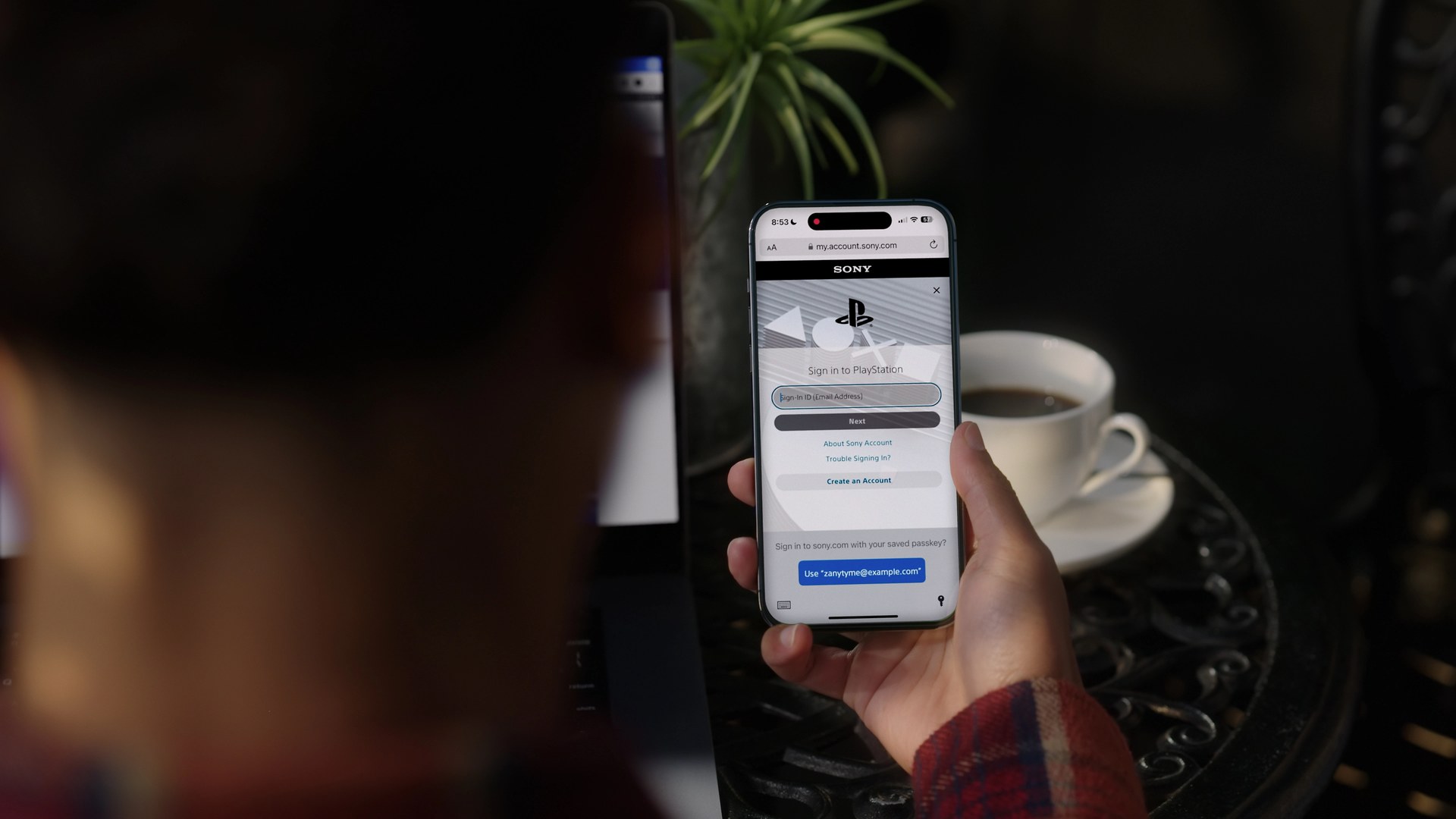
Passkeys are still worth setting up, because they close the more common routes of phishing and reused passwords even if they do not solve this one. PlayStation’s passkey guide lists support on PS5, PS4, the PlayStation website, the PlayStation App and Remote Play for Mac, set up through Account Management > Security or on PS5 at Settings > Users and Accounts > Account > Security > Sign in with Passkey, and its security settings page is where 2-step verification, the security question and your mobile number live.
Who should act now
Any PSN account could in principle be targeted, but the reported victims so far fit the profile Moriarty described, so creators, competitive trophy hunters and owners of old, short PSN names should treat the dedicated-email change as urgent rather than optional. Everyone else with a large digital library has a reason to do it too, since an account takeover takes purchased games, saves and trophies with it. Two habits matter as much as settings. Treat any inbound call claiming to be PlayStation support with suspicion, given the spoofed call Moriarty received, and if an email tells you your sign-in ID or 2-step verification has changed when you did not change it, go straight to PlayStation’s Online Assistant rather than replying to the message.
Sony did ship a security-focused console update last week, which we covered in our PS5 system update 26.06-14.10.00 report, but this problem sits in a support process rather than in firmware, so it will take a change on Sony’s side to fix it. Sony has not commented publicly on the takeovers, and we will update this story if it does.
Sources: Radec on X (via Push Square and Wolf’s Gaming Blog); Push Square; Wolf’s Gaming Blog; PlayStation LifeStyle; Dexerto; PlayStation Support pages for sign-in ID, privacy settings, security settings and passkeys.